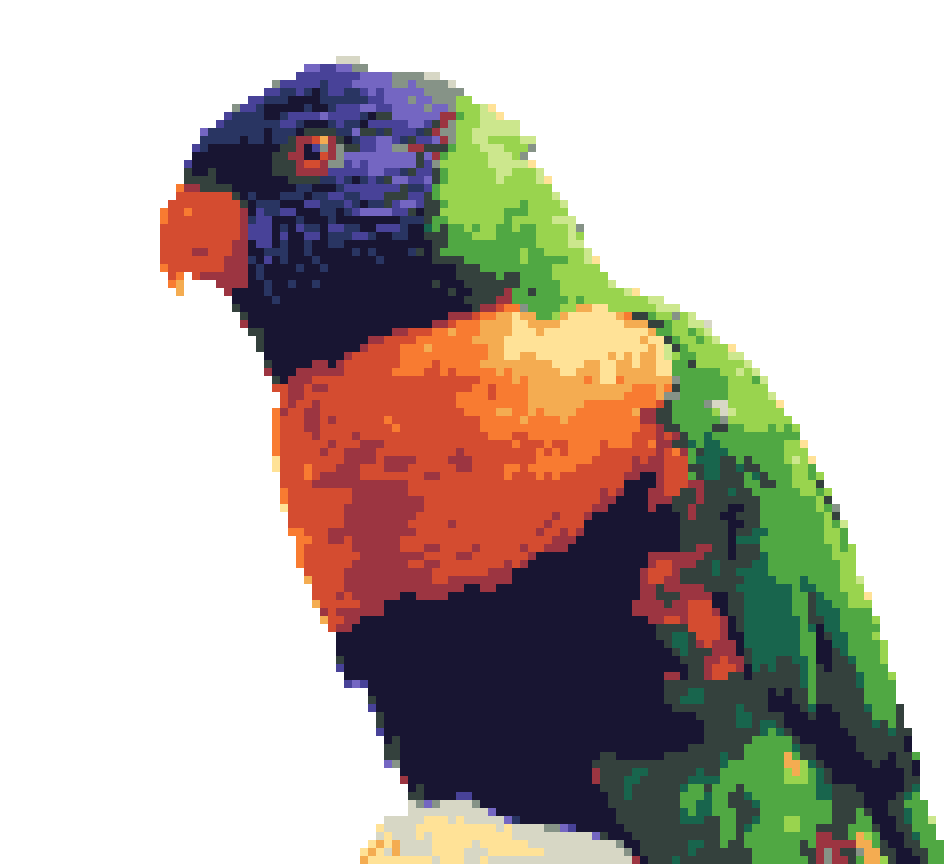
Keep the subject
Remove a photo background on-device. Keep transparency for a PNG cutout.
Photo & video → pixel art
Pixator
iPhone / iPad
Turn photos and clips into pixel art. Cut out the subject, add an outline and find your own colour and texture.
Free to start. One-time Pro upgrade.
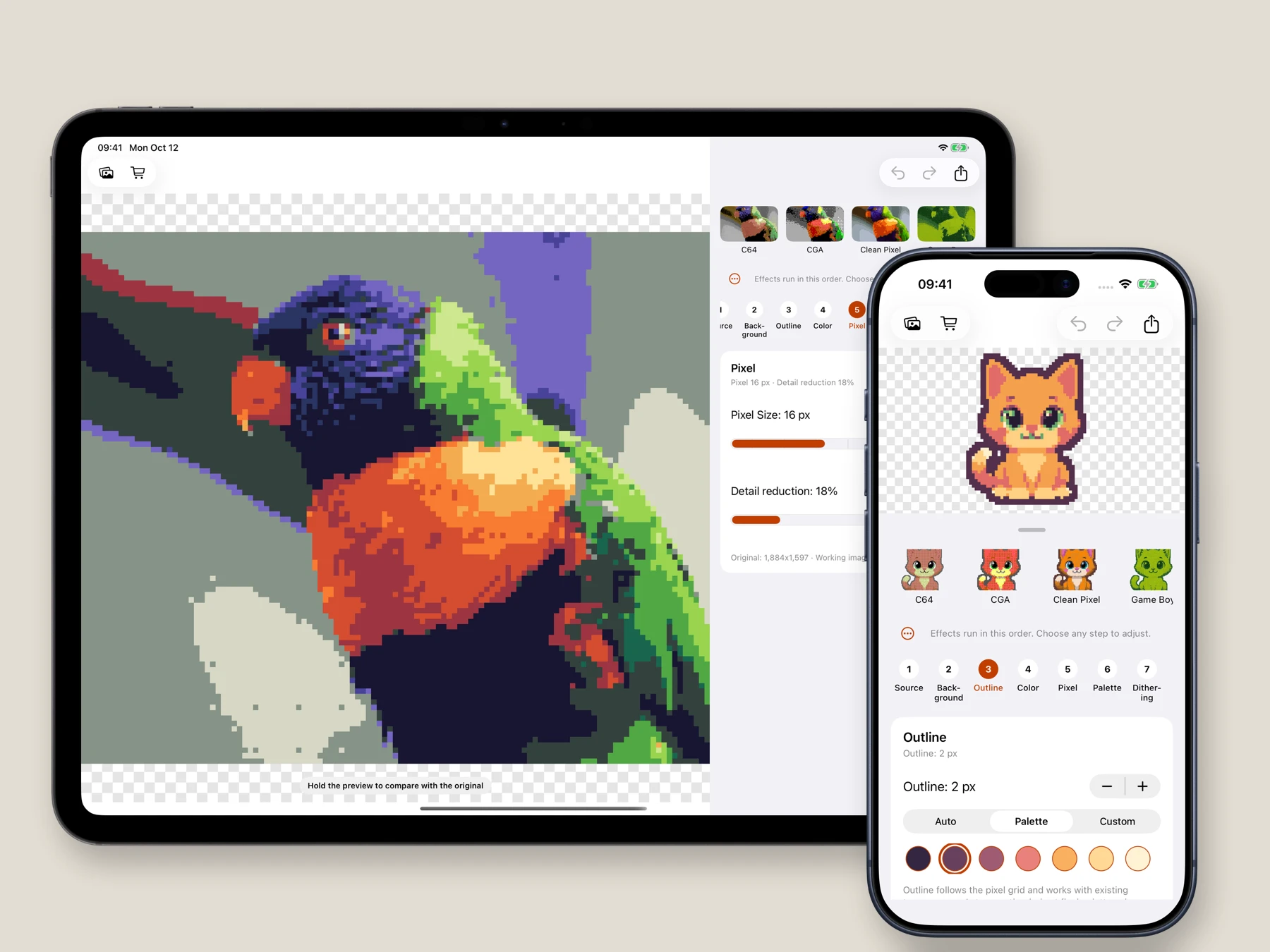
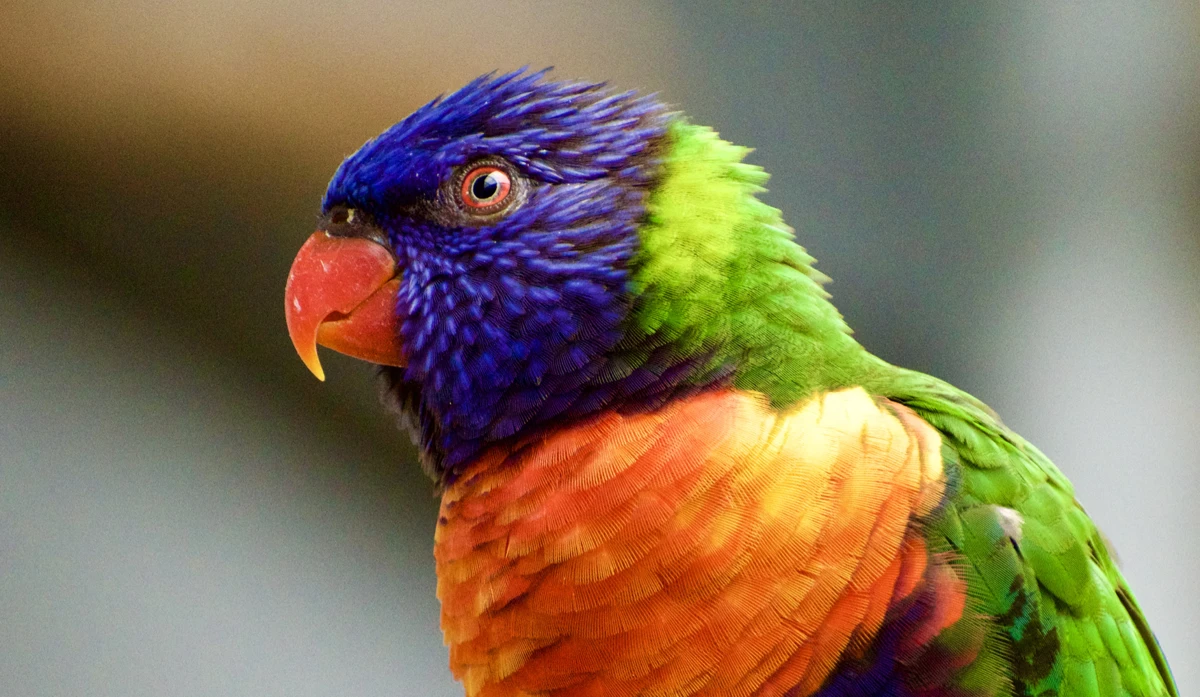
Start with a photograph, illustration or short clip. Adjust each stage in a visible pipeline: crop, colour, pixels, palette, dithering and remapping.
For photos, remove the background on your device or use chroma key. Add a pixel outline to a cutout or to artwork that already has transparency.
Presets are a starting point.
Your eye makes the look.
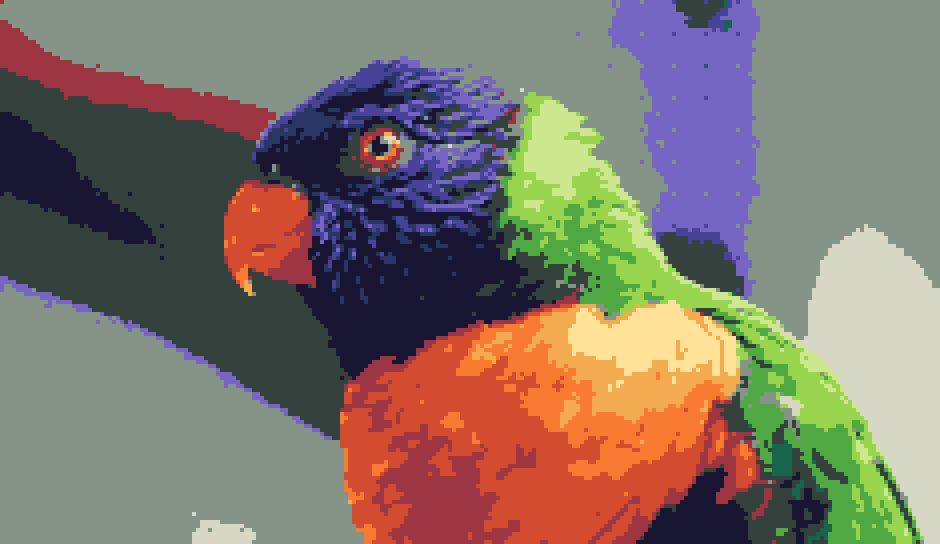
This parrot uses a custom tropical palette, a careful crop and restrained dithering. Every example below has its own settings.
Remove a photo background on-device. Keep transparency for a PNG cutout.
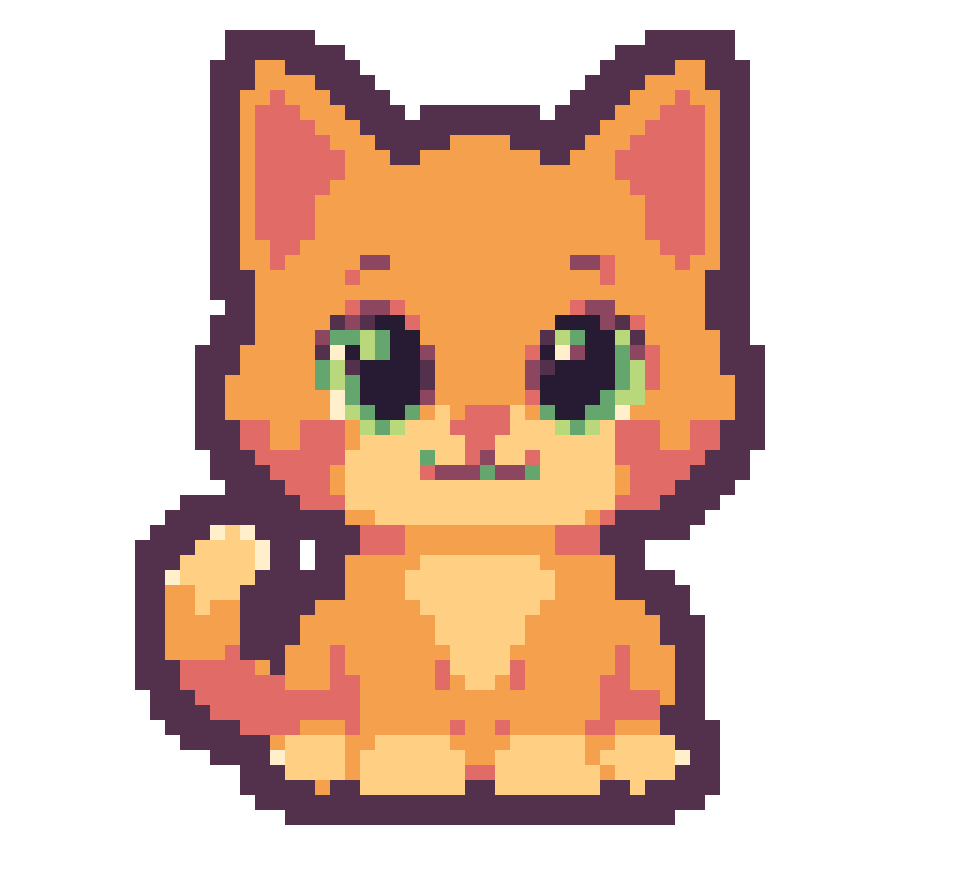
A two-pixel outline in a colour from this apricot palette. Outline width and colour stay in your hands.
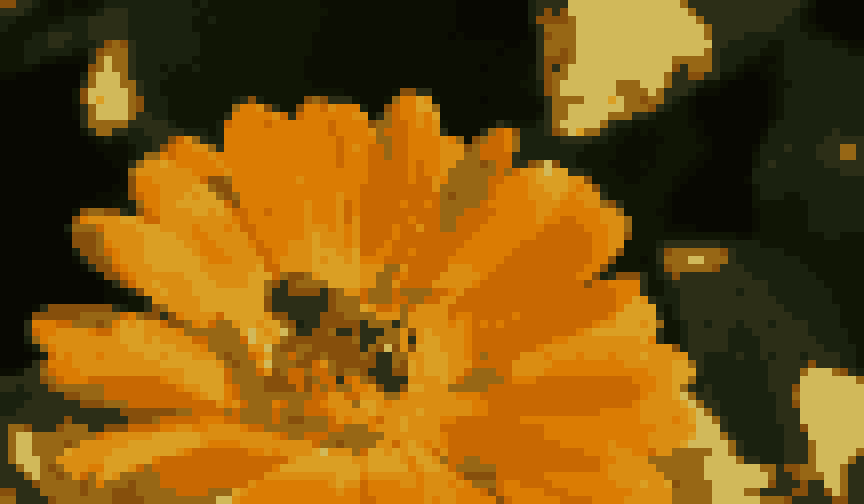
Twelve colours extracted from the flower, with lightness guiding the mapping. Edit the swatches to make them yours.
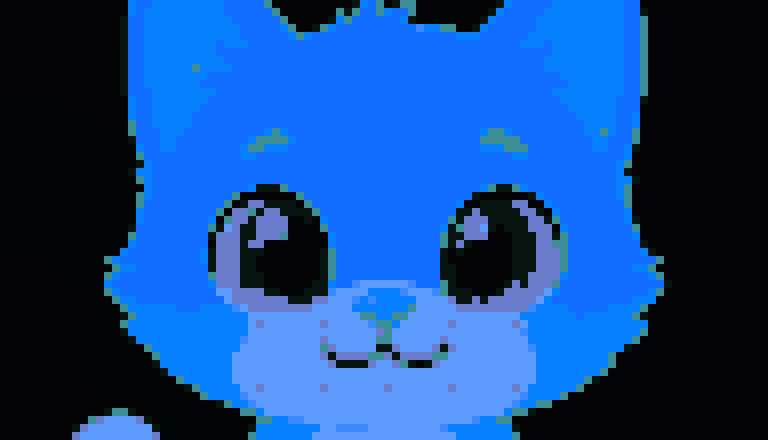
The same cat, remapped to blue with colour harmony controls. Explore a new mood without rebuilding the image.
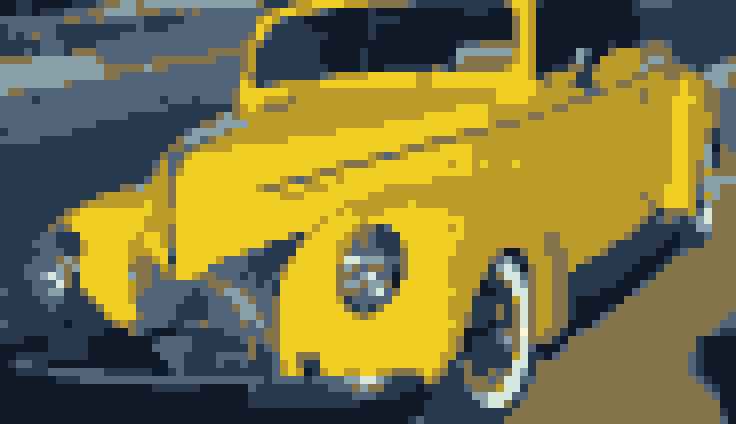
A custom electric-citrus palette, larger pixels and reduced detail give this car its graphic character.
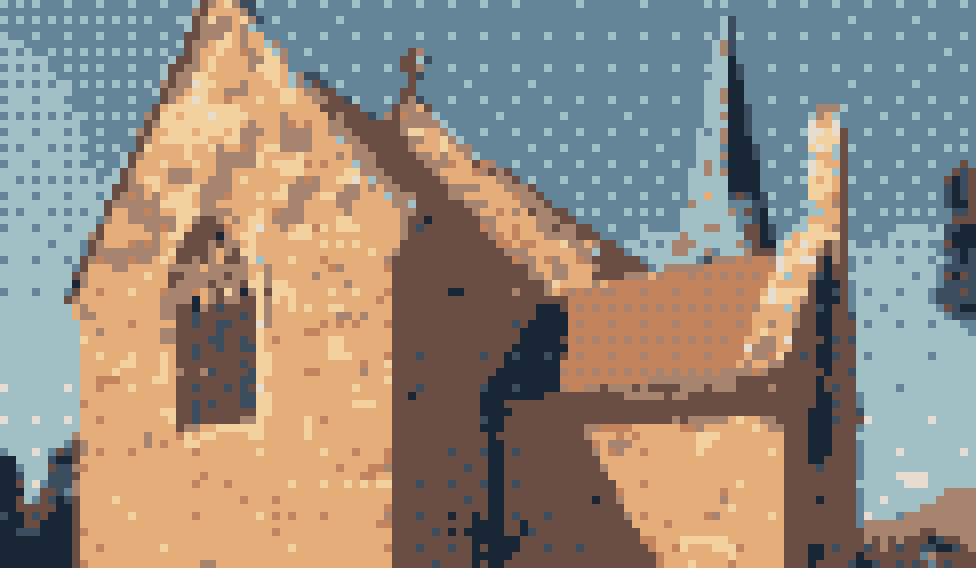
A terracotta-and-sky palette with 45% ordered dithering. Add texture where it helps the image read.
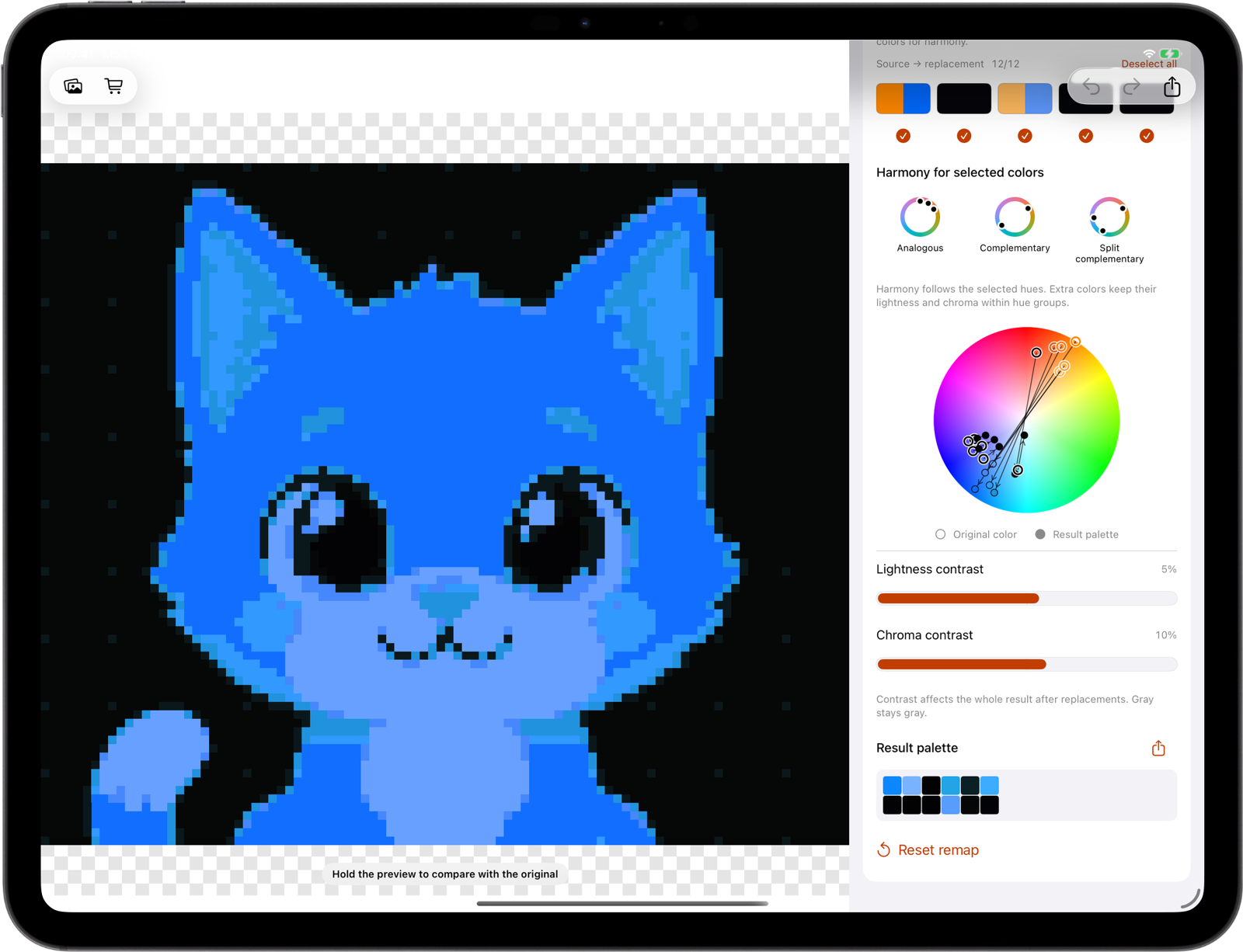
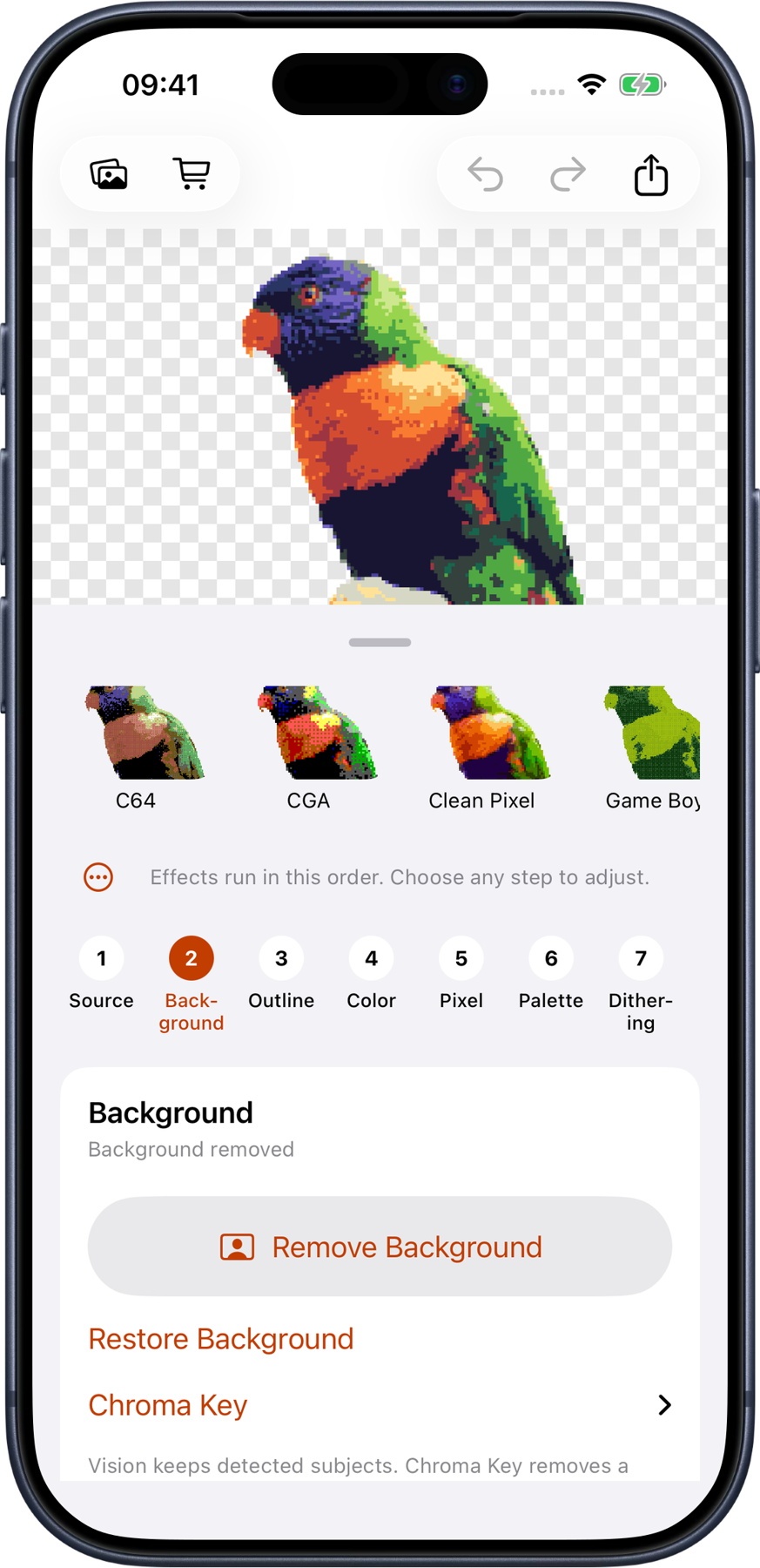
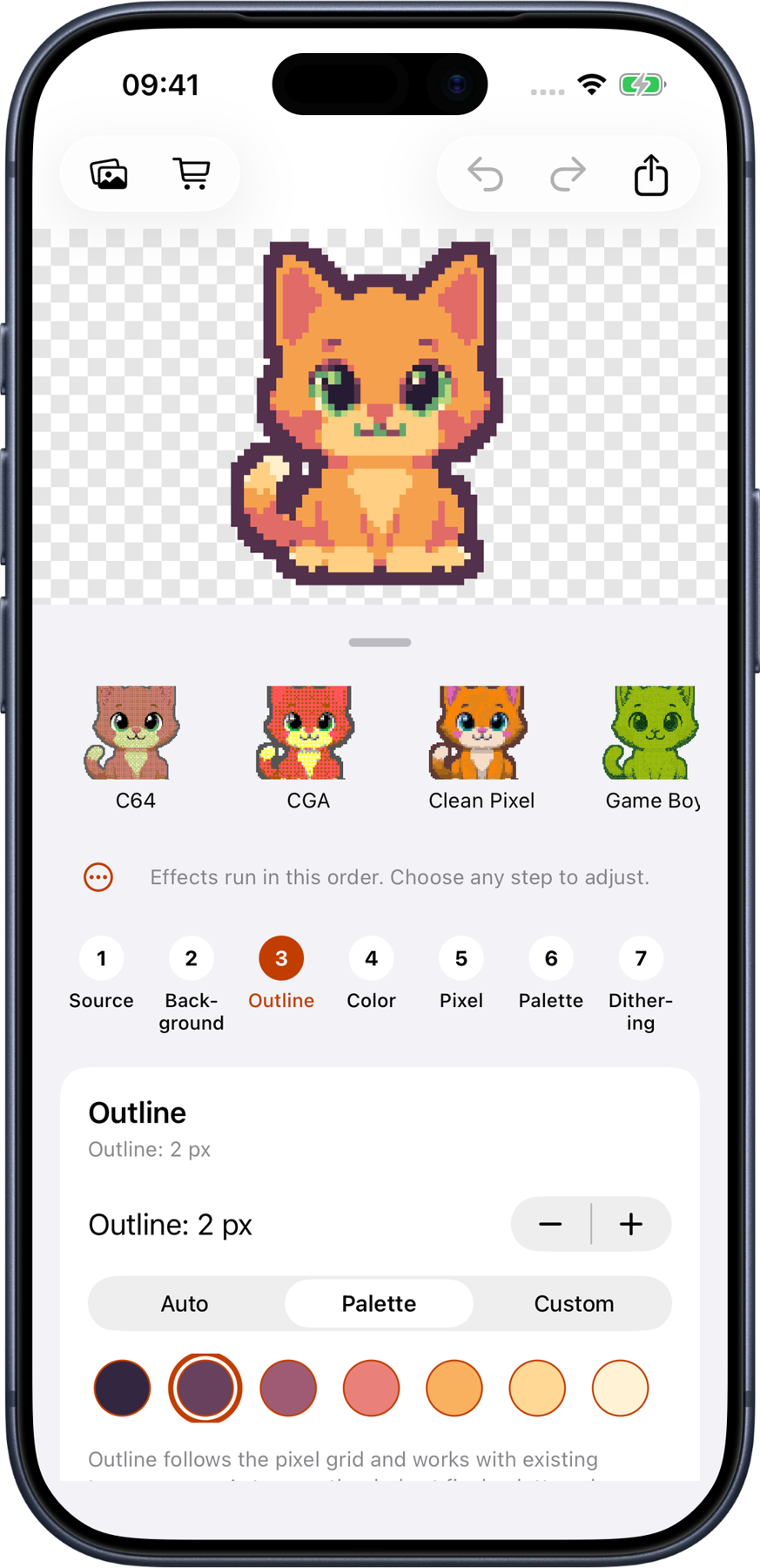
Photo cutouts and pixel outlines preserve transparency. Export a PNG for an avatar, composition or your next creative tool.
Extract and edit palettes, then take them into another workflow with ASE, TXT, GPL or PAL export.
Apply colour, pixel, palette and dithering adjustments to clips. Pixator Pro exports MP4 and animated GIF. Background removal and outlines are photo tools.
Coming in Pixator 2.4
The next update adds sprite canvases, lower MP4 frame rates and lo-fi sound. Version 2.4 has been submitted for App Store review and is available to internal TestFlight testers; these tools become available in the App Store when the update is released.
Automatic palette extraction also gets more reliable colour selection, especially with small palettes. Portrait videos keep their shape in the finished export preview.
Export a photo as a 32, 64, 128 or 256 px square sprite. Proportions stay intact, pixel edges stay crisp and spare space stays transparent. 32/64 px PNG sprites are free. Larger sprite canvases and GIF require Pixator Pro.
Choose 6, 10, 12, 15, 24 or 30 fps for MP4 without slowing the clip down. Keep original audio or choose mono lo-fi (16 kHz, target 32 kbps) or radio (8 kHz, target 16 kbps). Review the actual finished clip before saving or sharing. Video export requires Pro; GIF stays silent.
Free
Photo editing, background removal and outlines. PNG export up to 1024 px, plus eight free palette actions.
Pixator Pro / one-time purchase
Larger PNGs, GIF and video export, unlimited palette tools and saved custom presets. No subscription.
Made for iPhone and iPad
Start with something you love. Make the pixels yours.